· Howard Young · opinion · 2 min read
Supacode: The AI Development Tool Replacing My Terminal and VS Code
Supacode is a native macOS AI development tool that combines your terminal, IDE, and agent orchestration into one blazing-fast window — built on Ghostty and free in beta.
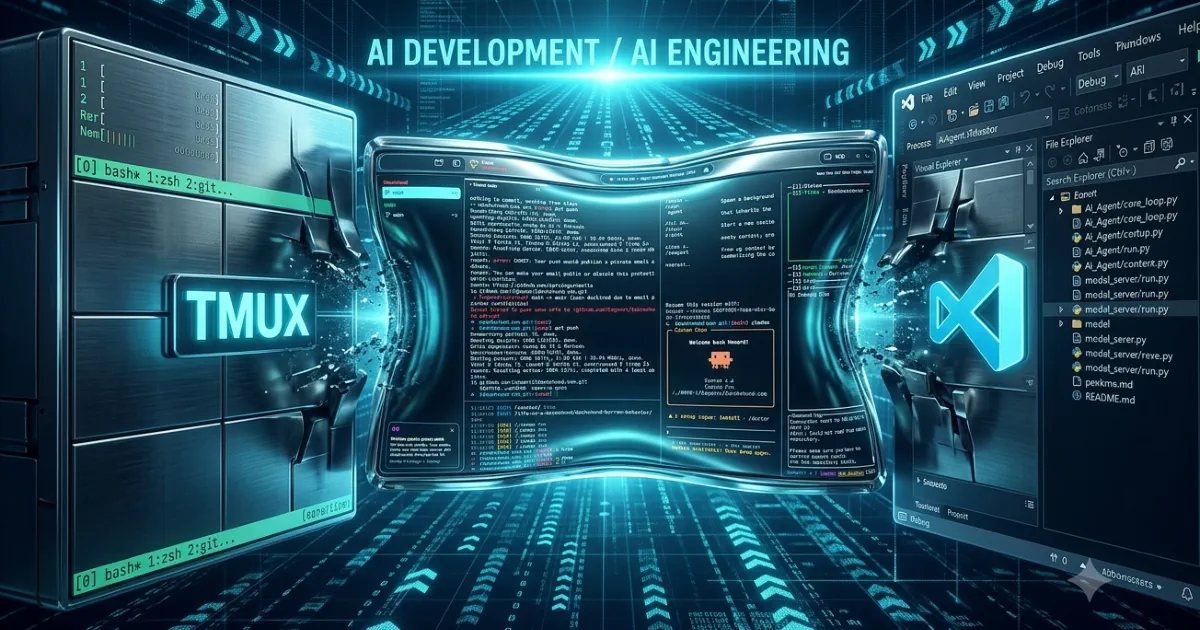
A few days ago I replaced both my macOS terminal and Visual Studio with a single app. I wasn’t planning to — I just kept noticing how much time I spent juggling windows.
What Is Supacode?
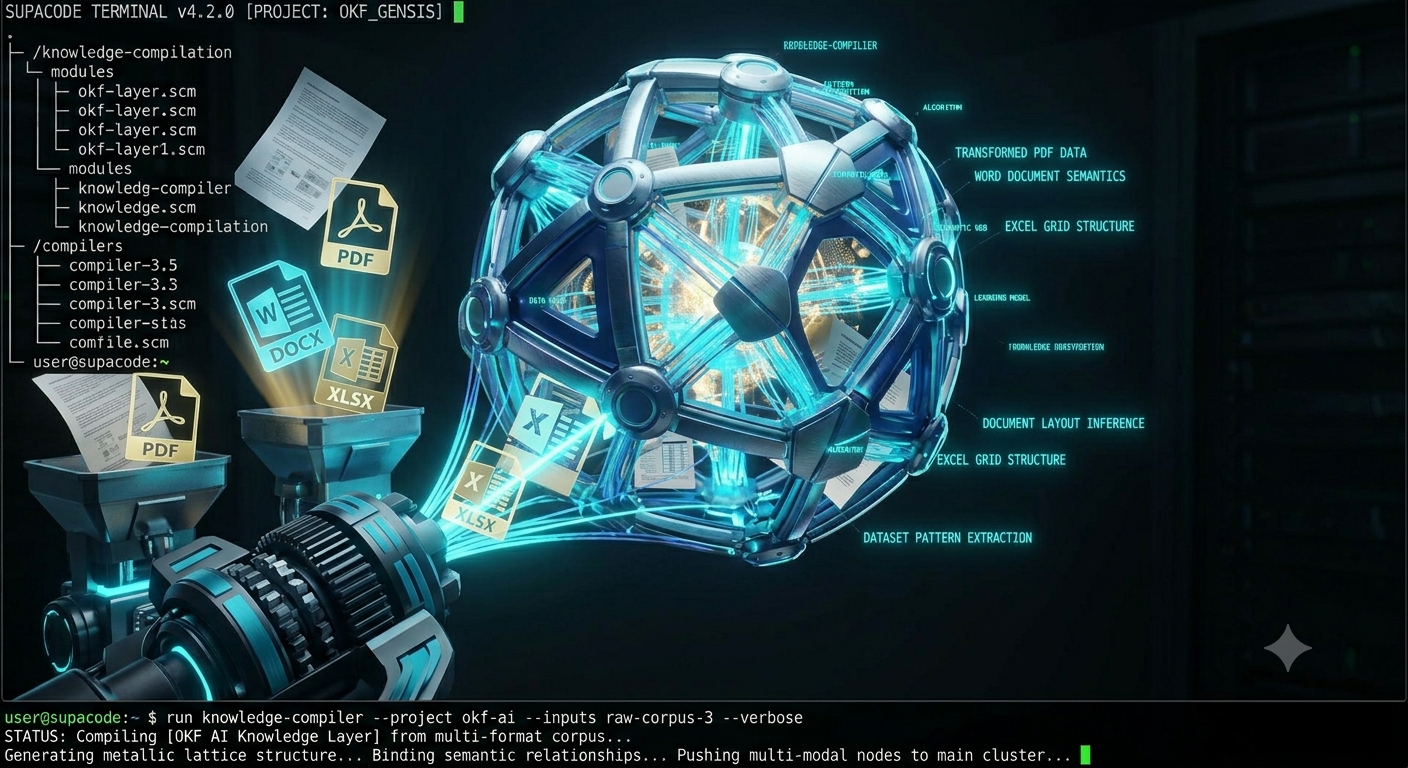
Supacode is a native macOS application built on libghostty (the same engine behind the Ghostty terminal) that bills itself as “the command center for coding agents.” It’s blazing fast, open source, and currently free in beta. The pitch is simple: instead of spinning up separate terminal sessions for npm, Claude Code, git, and whatever else your workflow demands, you run everything in one place — split into panes just like TMUX, but without the config overhead.
Best of Both Worlds
What sold me immediately was the Git repo-focused navigation. A collapsible left panel lists your repositories; click one and you’re in. No cd chaining, no VS Code workspace files to manage. When I need the screen space, the panel slides away entirely.
The real productivity gain is agent orchestration. Supacode supports running 50+ coding agents — Claude Code, Codex, Opencode, whatever you use — simultaneously in isolated git worktrees. Each agent gets its own sandbox so there’s no conflict when two are touching related files. Previously I had one VS Code terminal running npm and another babysitting Claude. Now those are just two panes in the same window, alongside a git status pane and whatever else I need.
Who It’s For
If your day involves switching between multiple projects and you’re already running CLI-based AI agents, Supacode removes most of the friction. It requires macOS 26 Tahoe and installs via direct download or Homebrew. The GitHub integration for PR management and CI checks is a nice bonus — still early, but it works.
My Take
It’s lightweight in a way that Electron-based tools simply aren’t, and the TMUX-style layout means zero learning curve for anyone already comfortable in the terminal. Whether Supacode becomes the default AI development environment for most engineers is an open question, but after a few days I’m not going back to the multi-window juggling act.
If you’re doing AI Engineering work and haven’t tried it yet, supacode.sh is worth 10 minutes of your afternoon.